Ramback
A macOS menu bar app that shows how much RAM your dev stack uses (simulators, Gradle daemons, Docker, the dev servers agents leave running) and frees it.
- Year
- 2026
- Role
- Founder
- Timeline
- Since Oct 2026
- Status
- live
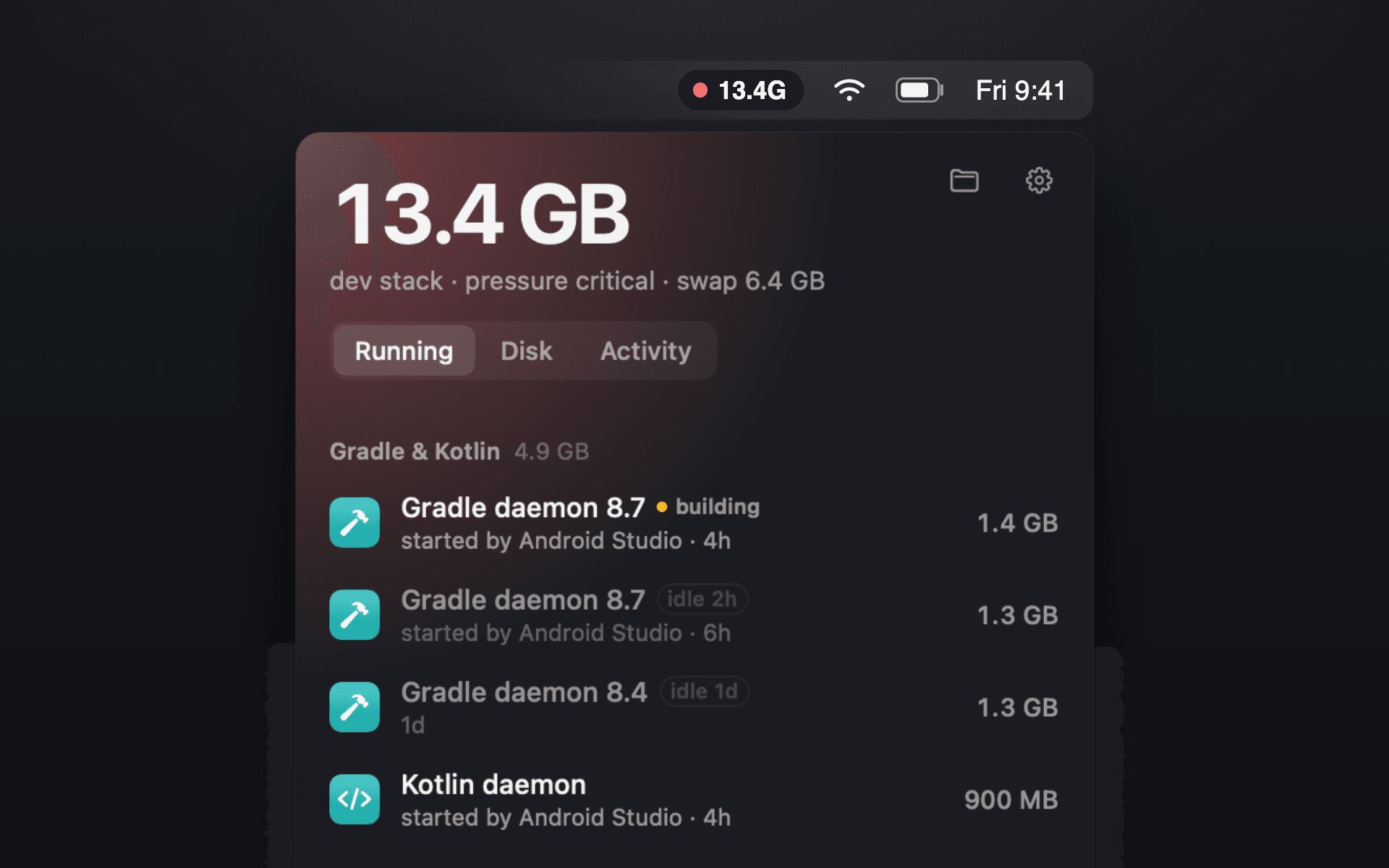
Ramback lives in the macOS menu bar and lists the development stack that is eating memory: iOS simulators and Xcode Previews, Android emulators, Gradle and Kotlin daemons, Docker containers by Compose project, Metro and dev servers, local databases, tunnels, and the servers AI agents like Claude Code, Cursor and Codex leave running. Each row shows its RAM, who started it and how long it has been idle, and stops with one click. A Disk tab finds old simulator runtimes, DerivedData, Android images and package caches.
The problem
I had to count memory the way Activity Monitor does without counting anything twice, across tools that each hide their processes differently, and then stop those processes safely. A simulator, a Gradle daemon mid-build and a local database each need a different off switch, and some should never be stopped by a rule.
What I built
I find each source the way its own tooling sees it (simctl, adb, Docker, process arguments and listening ports), and every process belongs to exactly one row. Each row stops through its native command or a SIGTERM to the process tree, and the app asks before it forces anything. Databases, pinned rows and anything mid-build are left alone. I ship a CLI and an MCP server inside the app, so coding agents can check memory before they boot another emulator.